

How to Keep an Offline Backup of Dropbox
Cloud storage has made it easier than ever to keep years of photos, videos, documents, and other important files in one place. As those collections grow, however, many people run into an unexpected problem: their Dropbox account is now much larger than the storage available on their computer.

The Hardest Part of the 3-2-1-1-0 Backup Rule Isn’t Technology
Ask almost any technically-minded person whether they should keep an offline backup, and the answer will be yes. Ask whether they actually rotate USB drives every month, store them somewhere safe, verify the backups, and continue doing that year after year, and the conversation usually changes.

The Rise of Credential Theft and Why It Matters for Your Backups
For years, ransomware attacks typically began with attackers exploiting unpatched software or exposed network services. While those techniques are still common, security researchers have observed another trend becoming increasingly important: attackers are logging in instead of breaking in.

Should You Keep Every Client Project in Dropbox Forever?
There are folders for each client, active projects are easy to find, and everyone knows where documents belong. As the years go by, though, something changes. Completed projects are never removed. New work keeps arriving, and eventually the Dropbox account contains thousands of folders representing years of finished jobs. Is this sustainable?

What Happens If Your Dropbox Credentials Are Stolen?
Most people think about Dropbox as a storage platform. They upload files, organize folders, share documents with coworkers, and trust that everything will be there when they need it.
What many businesses don’t think about is what happens when someone gains access to the account itself.
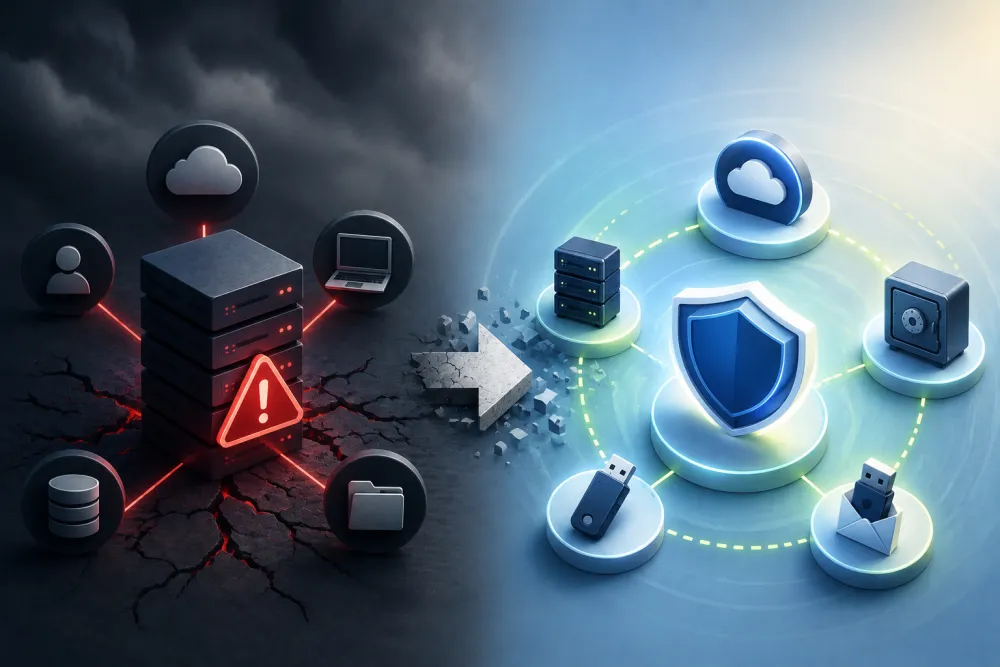
Eliminating Single-Point Failures in Backup Strategies
Many backup strategies contain hidden single-point failures that can leave multiple copies vulnerable to the same event. True resilience comes not from having more backups, but from having independent backups that don’t rely on the same systems, accounts, providers, or credentials. Learn how to identify common points of failure and build a backup strategy designed to withstand the unexpected.
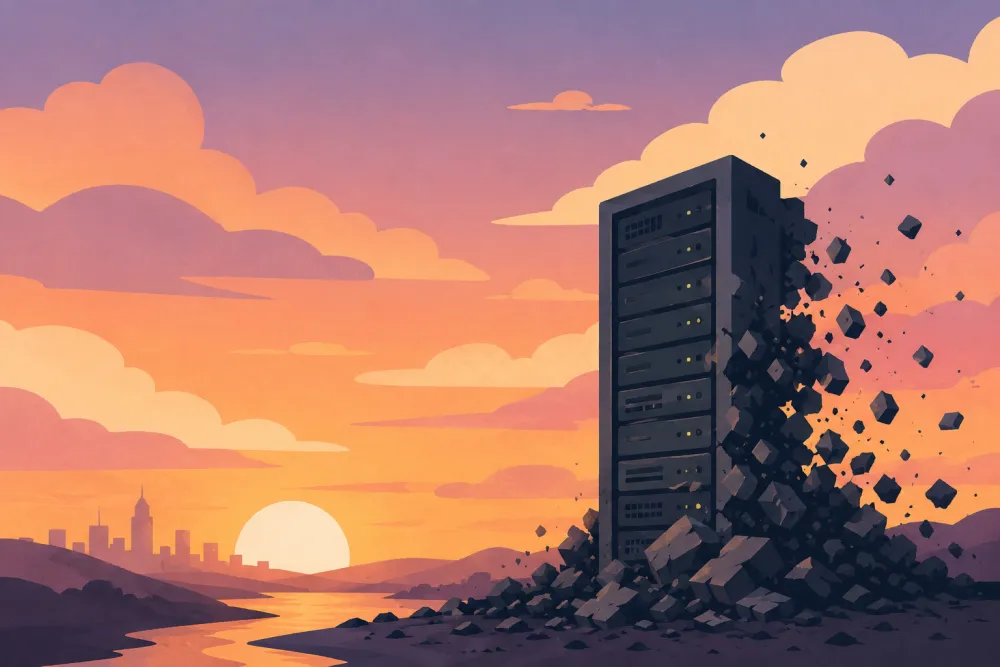
What Happens If Your Web Host Disappears Tomorrow?
Most businesses trust that their web host will always be there when they need it. But what happens if your hosting company shuts down, suspends your account, or suddenly becomes inaccessible? Learn why relying solely on your hosting provider can leave your website vulnerable, and why keeping an independent copy of your site may be one of the smartest investments you can make.

Protecting Your Online Backups from Ransomware
Depending on how your backups are stored and managed, ransomware may be able to encrypt, delete, or corrupt the very data you’re counting on for recovery. Learn why backup separation matters and how an offline copy can provide an additional layer of protection.